
Building My Own Control Rooms
Over the past few months I have built my own set of control rooms: one for the websites I manage, one for the software I build, and one for seeing how it all fits together.
SKDStudio: the sites, without the fluff
I look after a lot of WordPress sites. The work itself is rarely hard. What wears me down is the trip to get there: log in, find the right dashboard, get past the notices and upsells, and dig for the one setting I came to change.
SKDStudio is my way around that, and it exists thanks to WordPress Studio. Studio made running local copies of sites fast and easy. Once that part was simple, I could build a single place to see every site and do the everyday work of keeping them up. Updates, content, checks. Only the controls I actually use.
It’s less a new product than a quieter room to work in. The sites haven’t changed. I just get to them without the clutter.
SKDWorkbench: a bench for dev projects
Dev projects needed their own home. Apps, experiments, and half-finished ideas each come with repositories, running servers, notes, and a next step I can never remember.
SKDWorkbench keeps them on one bench. I can see what’s running, what changed recently, and where I left off. When I sit down to build, I’m picking something up, not rebuilding my memory of it first.
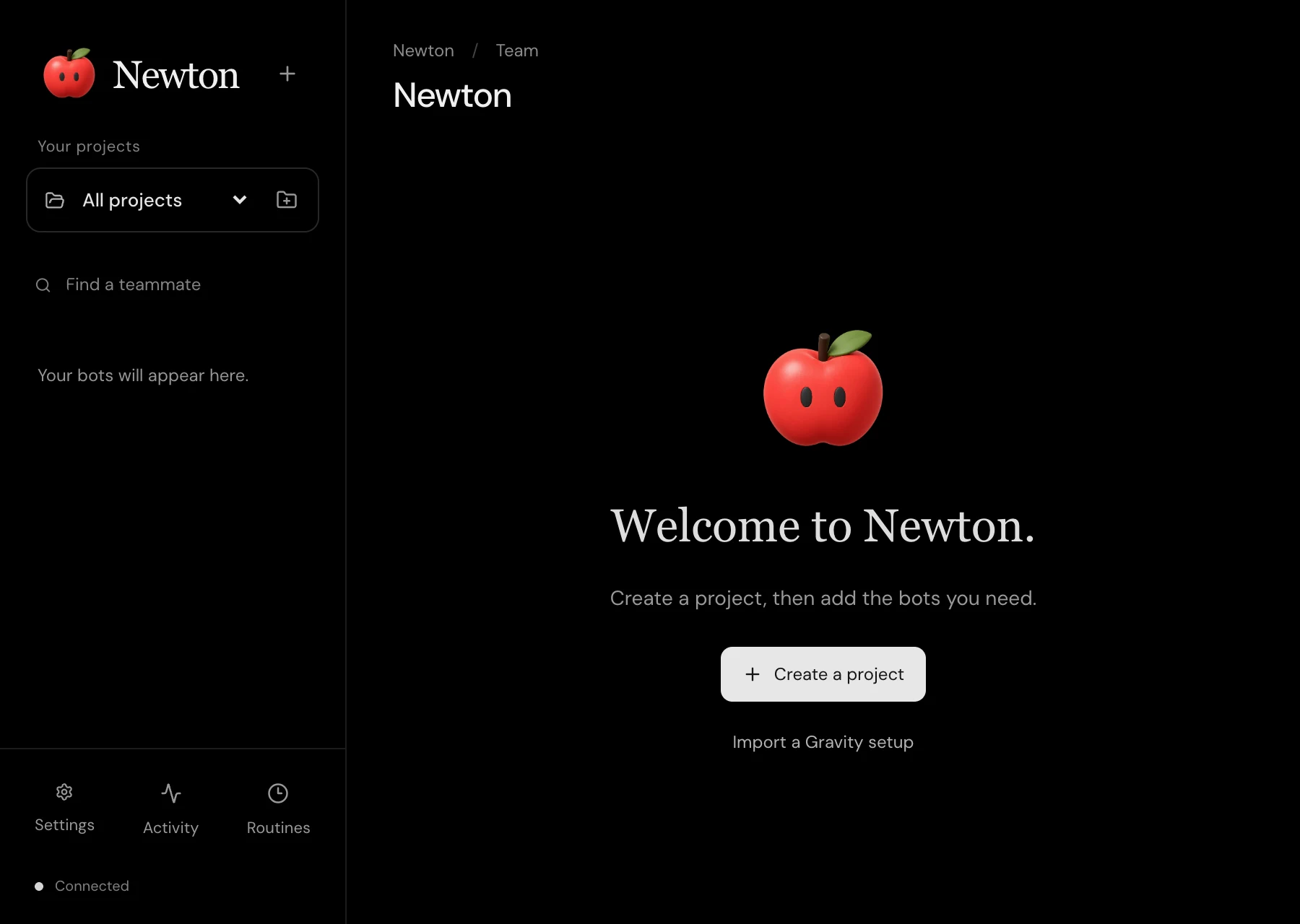
Newton: the whole picture
Studio and Workbench are about specific kinds of work. Newton sits above them. It’s where I go to see the whole picture: clients, products, creative work, and how they connect.
Newton is organized around projects. A project holds its context, files, and decisions in one place, so when I bring AI in, it starts from what I already know instead of a blank prompt. It’s the thinking side of the setup, where I decide what matters. The other two are where it gets done.
Now they have to prove it
These tools keep expanding. Tracker Trapper started as a small menu-bar checklist for following my agents’ progress. Now it has an iPhone companion with widgets and notifications. Every time one of these tools saves me a step, I find three more steps it could save. That’s exciting, and it’s also a warning sign. A tool that only grows is not always a tool that helps.
So the next phase is proving them. Do they make real client work faster? Do they hold up on a busy week, not just a good one? Would I miss them if they disappeared? I want honest answers to those before I call any of this finished.
Still, I can’t overstate how good it feels to build this way. With LLMs working as my hands, an idea can become a working tool in an afternoon. I bring the judgment, taste, and sense of what the work needs. The models bring speed I never had on my own. For someone who has always had more ideas than hours, that is deeply empowering.
I’m building the tools I wish I’d had for years. Now I get to find out which ones earn their place.