

Turning Visual Knowledge into LLM Knowledge
I’m exploring how to translate what a designer sees into something an AI can work with—not just another image, but a file a person can understand and change.
An image is an output. Where are the decisions?
A finished graphic shows the result, but hides the structure. A designer can read its hierarchy, spacing, contrast, and intention. Turning that understanding into something an AI can act on is a different task.
I think of it like decompiling an old game. You have something that runs; you don’t have the source that explains how it was made. With an image, the missing source is the set of objects, layers, type choices, and relationships that make it editable.
- 01 / READThe reference
What is visible: type, images, hierarchy.
- 02 / INTERPRETThe relationships
What overlaps, aligns, and draws attention.
- 03 / REBUILDThe working file
Layers, masks, and objects a person can edit.
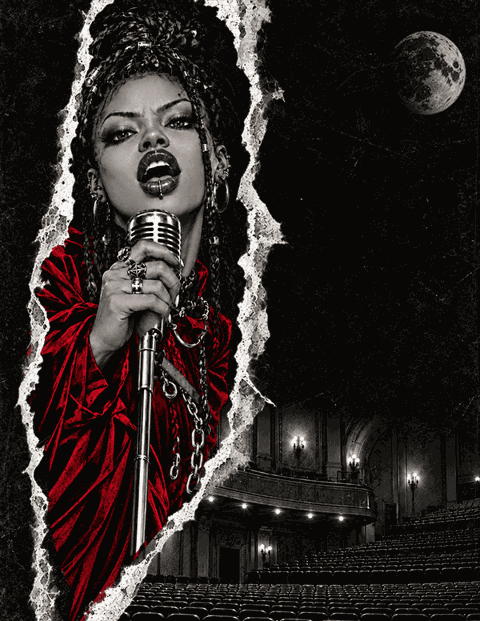
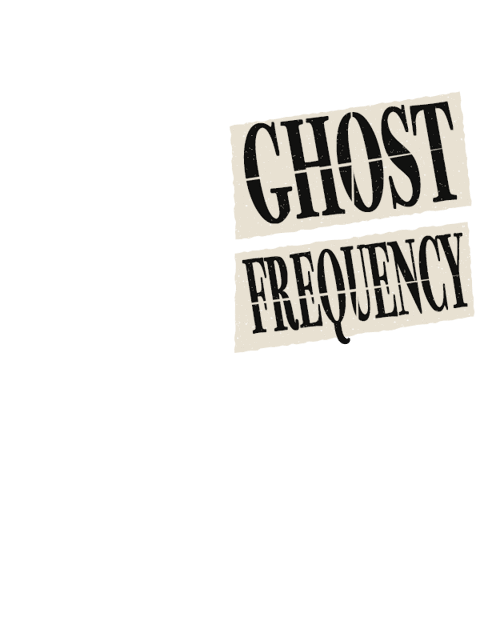
These InkSplit tests with Astra 6 Light make that translation visible. Build each poster from the bottom up, or isolate a layer group beside the original. The differences matter as much as the resemblance.
From a flat image to an editable stack
Explore three reconstructions. Play the build, scrub through it, or hover over a layer group to inspect it. Click to keep it isolated; keyboard and touch work too.
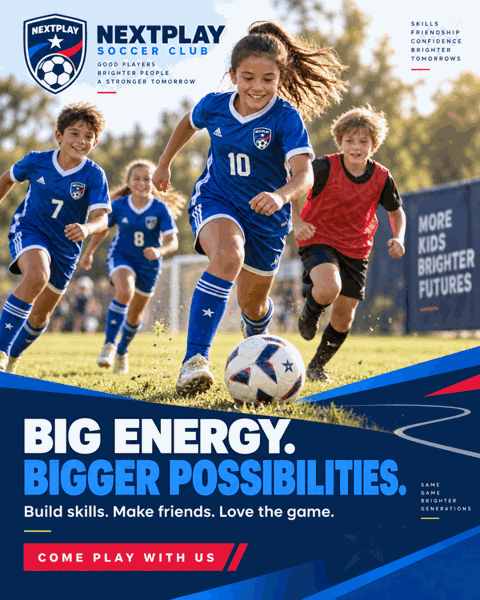

Live type and vector graphics sit above masked photo elements. The players include generated replacements; this is an interpretation, not recovered source artwork.
Small PNG previews exported from the PSDs. Each build step is rendered in Photoshop to preserve compositing. The stack follows the document’s top-level layers and groups; isolated previews may look different without the layers underneath. These are interpreted reconstructions, not recovered original files.
This is interpreted structure, not recovered source. Some photographic elements were regenerated; fonts and masks are approximations. A convincing composite still needs to be inspected as a working file.
Seeing the relationship. Acting on the file.
What interests me about Astra 6 is its apparent spatial understanding in these experiments: recognizing groups, separating foreground from background, and keeping track of relationships when objects move. That is my observation from working with it, not a claim about what happens inside the model.
Recognition alone doesn’t produce an editable document. “This belongs behind that” has to become a layer order. “This needs room” has to become a position, a margin, or a different text frame.
- Visual intention
- Hierarchy, alignment, overlap, and emphasis.
- Native structure
- Layers, masks, vector paths, type styles, and artboards.
- Inspectable action
- Read the document, make a targeted change, render it, and review.
Adobe applications already have these handles. MCP tools can connect the model to them: inspecting a Photoshop document, adjusting a mask, or changing a text object instead of generating another flattened image. The useful interface gives it bounded actions and a record of what changed.
More controls aren’t automatically better. I want the model to understand the document well enough to choose a small, purposeful action—and leave a working file a person can continue editing.
The source an image cannot give you
A reference can’t tell the model which direction a client rejected, what needs to survive on a phone, or which detail must remain editable before tomorrow’s deadline. Those decisions still come from the person doing the work.
This is where the old-game analogy comes back. A reconstruction becomes useful when you can change it, run it again, and see whether it behaves as intended. With design, the rendered image tests the interpretation; the native file tests whether that interpretation is usable.
I’m exploring a loop of reading, rebuilding, and reviewing—not a shortcut around judgment. The goal is to carry more of what I know visually into tools that can act on it, while keeping the result understandable enough for someone else to take over.