
The WordPress Stack I Use to Build Sites That Last
A business website has to keep working after launch. I take pride in building sites that clients can understand, update, and use.
A clear job for every tool
I host WordPress sites on RunCloud. The tools underneath each site have distinct jobs; together, they give the organization a system it can keep using after launch.
- WordPress
- The publishing foundation.
- ACF Pro
- Structured content that a client can edit.
- Bricks Builder
- The site’s front end.
- Automatic.css
- A shared framework for spacing, type, colors, and components.
- SchemaWP
- Structured data.
- WS Form Pro
- Forms that do real work.
- Advanced Scripts
- My current approach to custom scripts; this may change as I experiment with AI tools.
- All-in-One WP Migration · paid
- Moving sites between environments.
I always start with a framework. Automatic.css gives pages shared rules, so adding a section doesn’t mean inventing the site again. The exact tools can change; the need for a maintainable system doesn’t.
Built for work that keeps changing
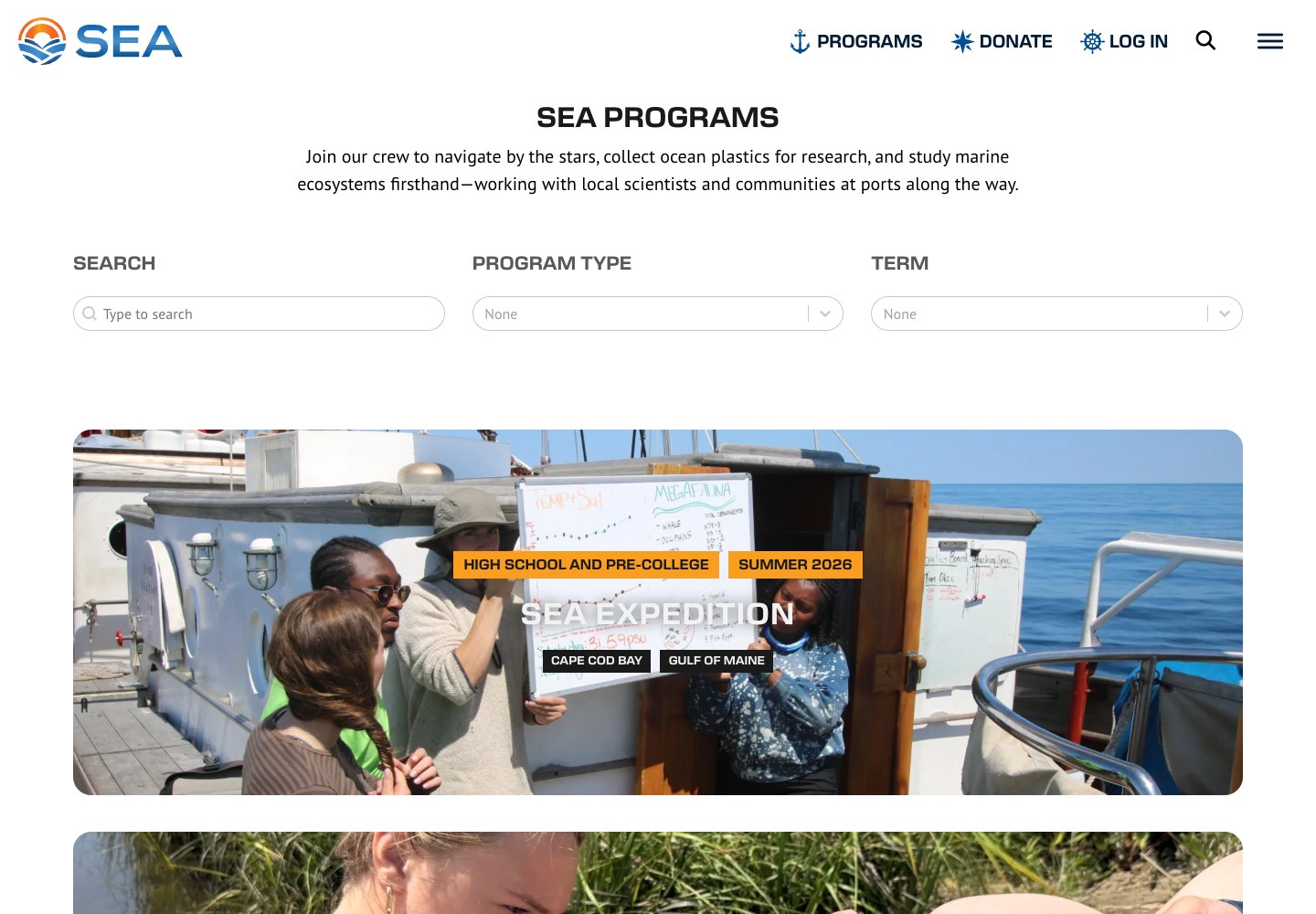
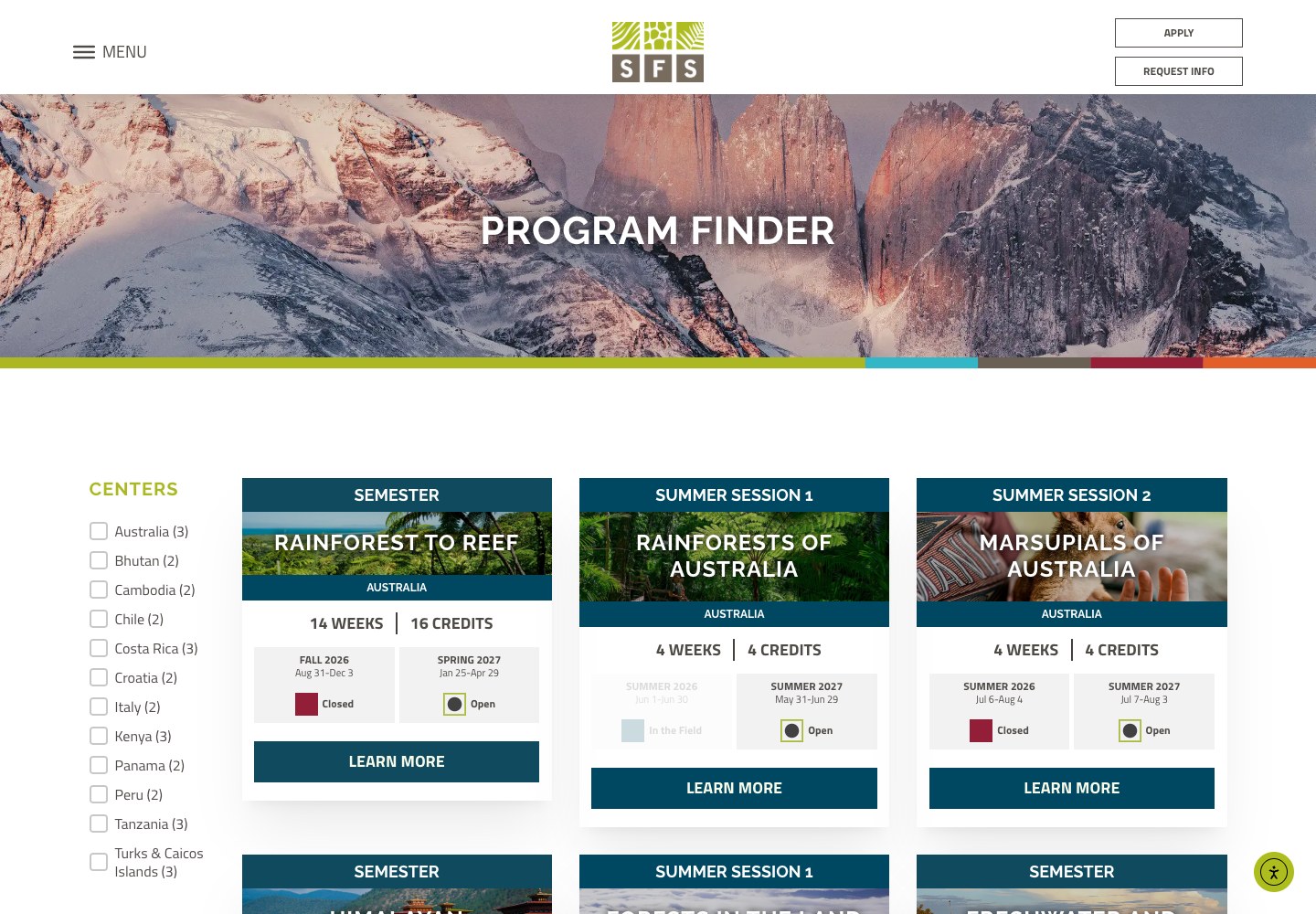
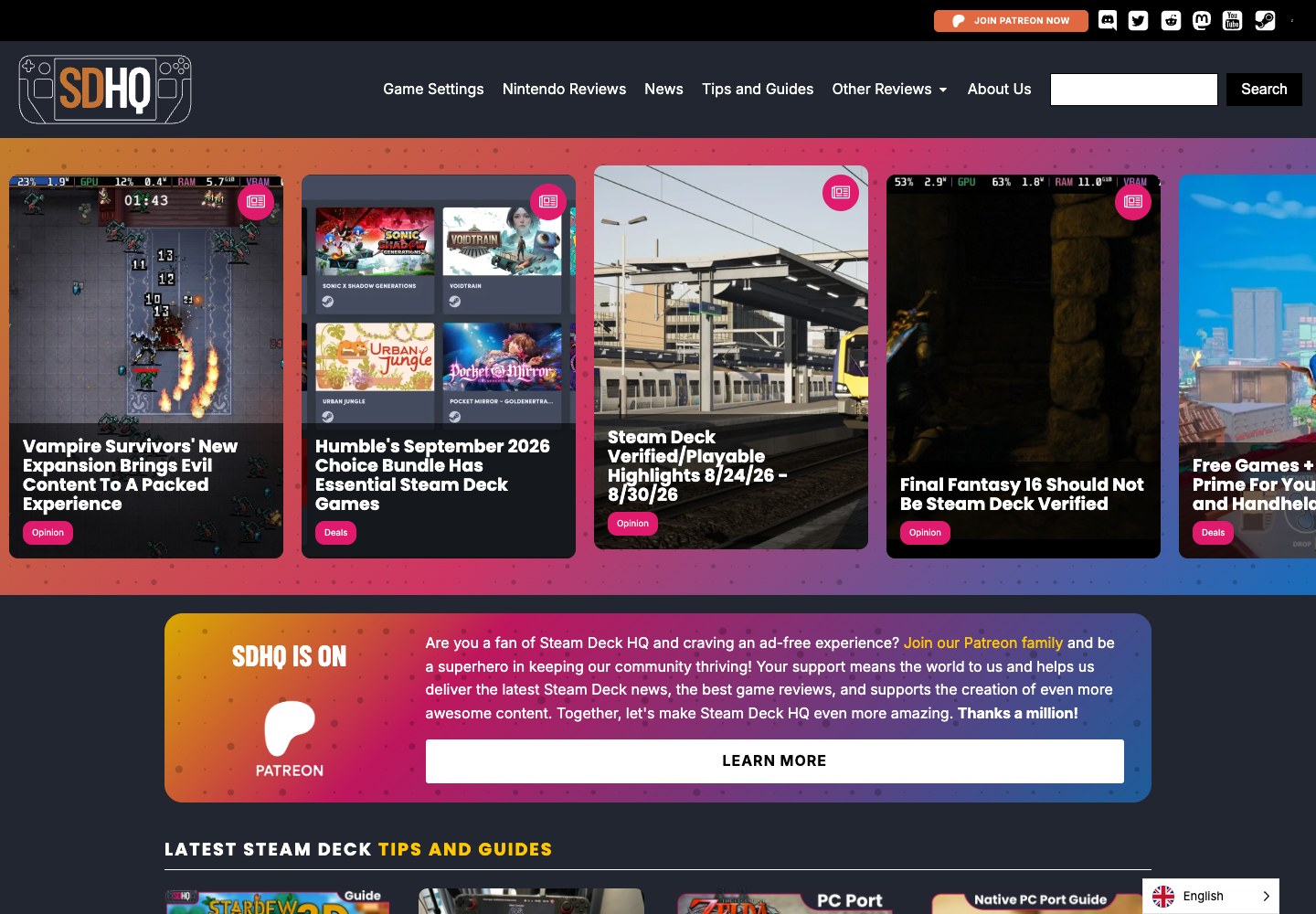
These sites I’ve built have different audiences, but the same underlying requirement: people need to publish, update, and organize content long after the first launch.
AI can change the process. People still need to use the result.
I’m exploring AI for prototypes, repetitive work, and custom development. But a business website still needs to be something a client can enter, understand, and change. I take pride in handing over tools people can actually operate.
If you need a site, a second opinion on your setup, or help learning to use AI in your own work, I’d be glad to talk.